
AI Photo Editor Online
Upload an image and describe the change. Refine lighting, explore a new background, or restyle a photo with a text prompt.
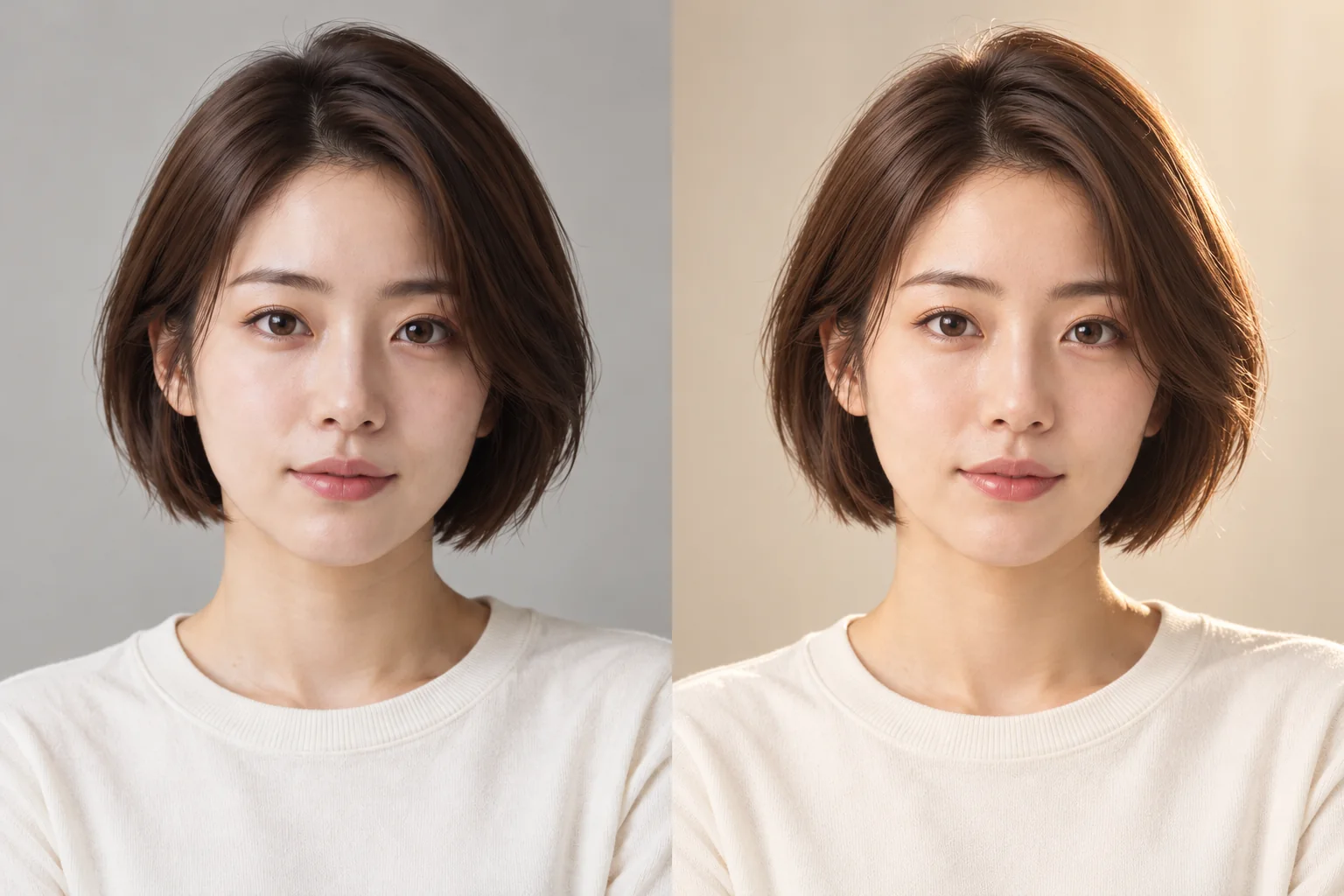 BeforeAfterExample
AI Photo Editor
Upload an image, describe your changes, and generate a new image.
Click to upload or drag and drop
JPG, PNG or WebP · Up to 10 MBChecking generation availability…
No images yet
Your completed images will appear here.
Use a reference photo and a focused instruction to request a lighting, color, or style change.
Photo edits you can request
- Soften portrait lighting while keeping a natural photographic finish.
- Adjust a color palette or restyle a scene.
- Describe a new setting for the subject.
How to edit a photo
- 01
Upload a photo
Choose a clear JPEG, PNG, or WebP image up to 10 MB.
- 02
Describe one edit
Name the change and the face, colors, or composition to keep.
- 03
Generate and review
Check access in the workspace, generate, then compare the result with your source.
Try this prompt
Use soft diffuse light and a natural photographic finish. Keep the person’s face, expression, short dark-brown hair, ivory top, pose, and framing. Preserve natural skin texture and the plain warm-gray background.
Frequently asked questions
Can I edit one exact area?
This workspace has no brush, mask, or selection tool. Use a selection-based editor when a specific region must stay unchanged.
Can I request natural portrait retouching?
Describe the light and finish you want, then compare the face and skin texture with the source. Exact identity preservation is not guaranteed.
Does choosing a file alter my original?
No. It creates a browser preview and leaves the original file unchanged. Clicking Generate submits the image for processing.